Service
My Work - View Customer Info and Customer Notes
| Ribbon Access: Service > My Work |

The My Work listing screen will be displayed.
- Click on the row selector in front of the work order where you wish to view the related customer information.
- Click on Edit.

The Maintain WO screen will be displayed.
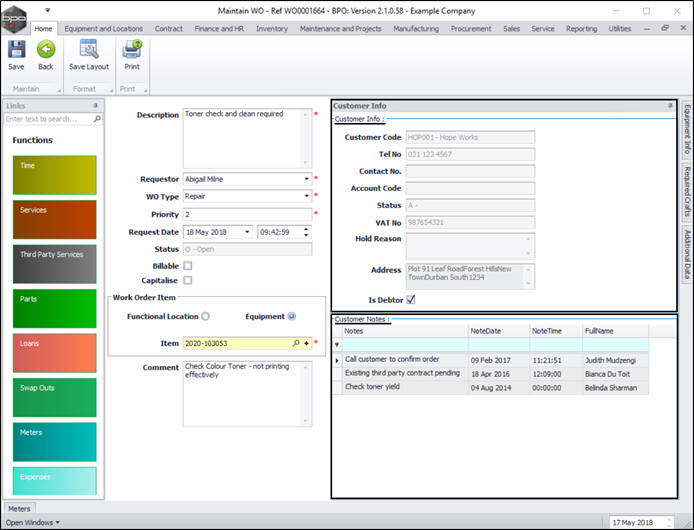
- Click on the Customer Info tab on the right hand side of the screen.

- The Customer Info docking panel will be expanded.
- Here you can view Customer Info details and any Customer Notes, if recorded.
- If you wish to see more customer information, go back to the My Work listing screen.
- Click on the row selector in front of the work order where you wish to view the customer details.
- Click on View Customer.
- Follow the instructions to View the Customer.

MNU.073.007